Buy anything from 5,000+ international stores. One checkout price. No surprise fees. Join 2M+ shoppers on Desertcart.
Desertcart purchases this item on your behalf and handles shipping, customs, and support to Senegal.
๐ Elevate Your Audio Game with Diamond XtremeSound!
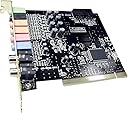
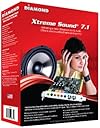
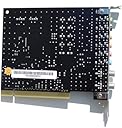
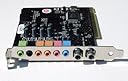
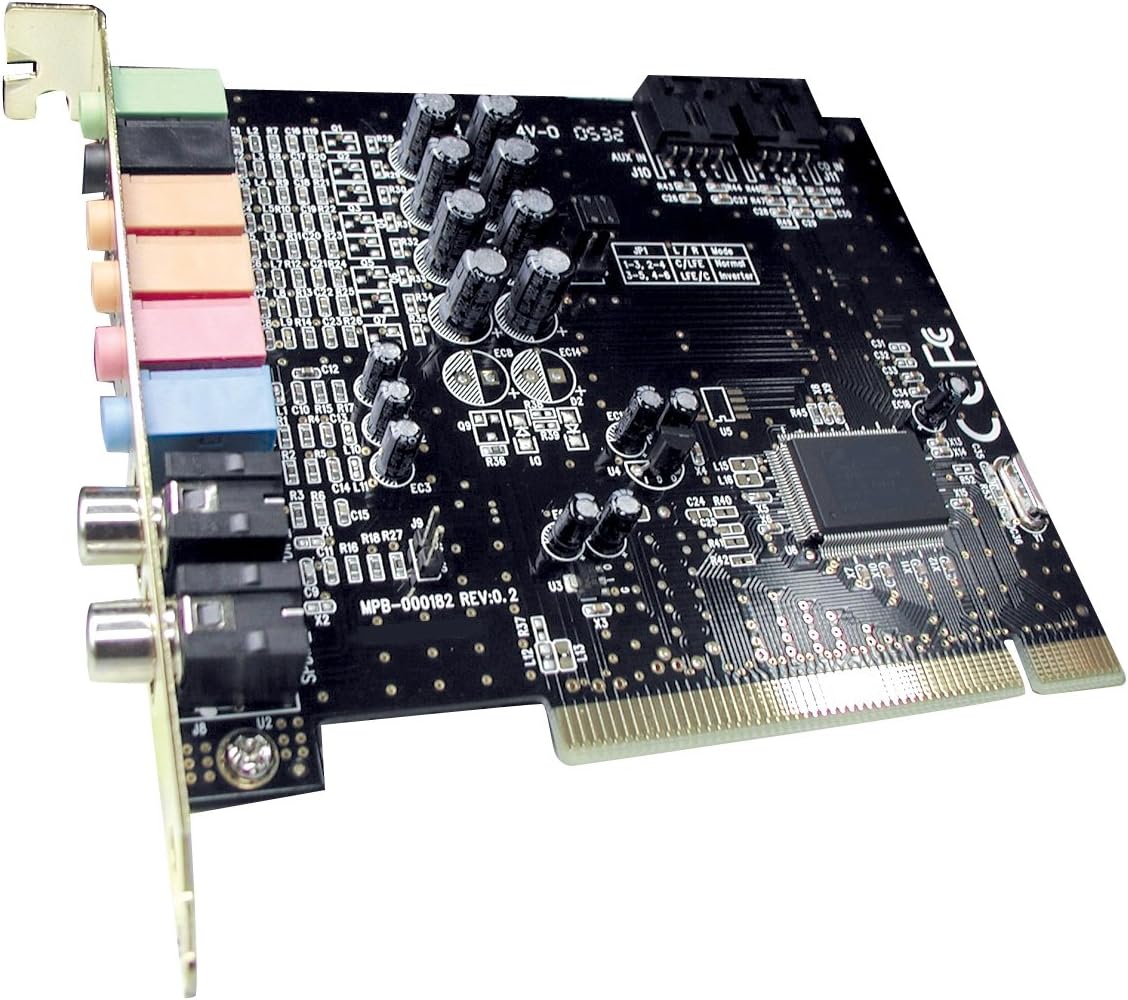
The Diamond XtremeSound PCI is a high-performance 7.1 channel sound card that delivers 16-bit/96KHz playback, karaoke support, and a 10-band equalizer, making it the perfect choice for audiophiles and home entertainment enthusiasts alike.
I**T
Great Audio Card but Not the easist to install Drivers For Windows Vista or 7
I got this card for a clients machine whom I just upgraded from Windows XP to Windows 7 (See Specs Below) and the intergrated Audio Card built into the HP Compaq DC 7700 did not support Windows 7 Drivers. Having owned a couple of these cards previously I knew what I was getting into when I got the card, while it's easy enough to physically install the card the driver installation for Windows Vista and 7 is not as simple as plug and play. However once installed it does work like a champ.Thanks to a fellow commenter who did most of the write up by the name of Mr. Timothy Egan (I had installed this card before with other PC's more or less using his install description using the Windows 7 Drivers but was to laszy to write out the install instructions) I modified Timothy's install intructions to what I did slightly different...1) If any prior Audio drivers are on your PC please remove them prior to installing this card. If not please proceed to Number 2.2) Shutdown your machine and install the card in a open PCI slot.3) Boot your PC - The manual says to disable the old sound card in the BIOS. I didn't bother with doing this. You can uninstall the old sound card drivers manually in the device manager. (I personally did not have to do any of these steps but can be done as an added precaution)4) After you reboot and windows start, it will automatically try and install the generic crap windows audio drivers. If you can STOP THE INSTALL. I wasn't quick enough to do this but even so, Windows was not able to find the driver for the card. If for some reason it finds those generic drivers uninstall them.5) If installing for Windows XP just install off of the Install CD that comes with the card, reboot afterwards and you should be good to go. However if installing for Windows Vista or 7 please proceed to Number 6 of this tutorial.6) If installing for Windows Vista or Windows 7 take the supplied Install CD and toss it into the trash (It only comes with Windows XP 32 bit drivers and will not install on Windows Vista or 7).7) Go to the Diamond Website and download their latest drivers for Win7 here (Insure you download the appropiate 32 bit or 64 bit drivers): diamondmm dot com /XS71 dot php (add the appropiate [...] info into your web browser for the diamond site or just do a goggle search)8) Go to thier support and download link and enter the model number of thier sound card (XS71).9) Once downloaded The drivers will be zipped so unzip them on your desktop.10) Go to the unzipped Diamond driver folder and click on the .EXE file to start the driver install.11) After the install, restart the system. And you should be good to go.Despite the cumbersome driver install once you have the Audio Card working does work perfectly for Windows Vista or Windows 7.Computer Specs:HP Compaq dc7700 Convertible MinitowerIntel Core Duo 2 2.66 ghz processor4 GB of DDR2 RAM1 GB NIC (Intergrated)Intel 3000 Graphics (Intergrated - Not Used)500w Antec Green PSUEVGA 2GB GTX 550 TI Video Card (External Card)250 GB Hard Drive3.5 Floppy Drive1 DVD\CD Lightscribe BurnerWindows 7 Professional SP1 (64 Bit)
C**R
Diamond XtremeSound sound card is so far reliable
I've been using this sound card for about a month now, and it has been solid and reliable. The installation process was very straightforward, and I had no problems from start to finish. The instructions provided are reliable and easy to understand.Even if you don't have a full surround setup, the Xtreme Sound configuration program will let you use different configurations, depending on what your situation is. Just a tip for non-technical Windows computer users: if you ever close your Xtreme Sound config program that usually sits in the system tray, you can get to it from the control panel (Start > Control Panel). As far as I can tell, however, the software itself doesn't provide an option to prevent it from loading at start-up, so if you really don't want it to sit in the system tray, you'd probably have to disable it using `msconfig'.The only problem I've encountered was with the Xtreme Sound config program. When trying to change the configuration for one of the options, my computer immediately shut down and restarted. I don't believe the issue was with the card; it was most likely a bug in the setup program (perhaps a buffer overrun problem). In any case, this only happened once so far.
A**R
Recomendado
Gran calidad!!
J**S
Pathetic quality, pathetic support.
In my nearly 30 years of working with PC's, by far my most frustrating experience has been trying to get this sound card to work with Windows 7 64 bit.I disabled my on-board sound, then proceeded numerous times to install either the Diamond drivers or the C-Media drivers, which had been recommended by some users. The sound is fairly good initially, but within 24 hours the sound is riddled with static and audio dropouts. Rebooting helps a little - until the next time.Of course I've been to the Diamond web site, one of the worst-designed sites I've ever seen, by the way. Here is what displays when I try to download current drivers that work, if there are any:"Diamond Downloads is currently down. Please visit us later [Friday 3rd of May 2013 12:44:20 PM]You may click here to try again." The site has been down for the better part of a week and maybe longer for all I know. I have finally and belatedly concluded that they just don't care.Bottom line: if you are trying to get the Diamond Extreme Sound 7.1 to work reliably with Windows 7 64 bit, good luck. If you have succeeded, kindly share your voodoo secret with the rest of us. You'ns have been warned.As for me, I'm going to see what Soundblaster has; should have gone there first anyway.
E**S
Not 64-bit compatible
I'm sure this is a fine sound card, but it says nowhere in the description nor on the box that it is not compatible with 64-bit Windows. So, in these modern times where most computers are 64-bit, this sound card is useless.
K**N
Dimond extreme sound not for Vista
I left Creative's sound blaster USB because they did not support Vista; I searched Amazon and found The Diamond by searching for "Vista sound Cards", I ordered it overnight, it arrived, but the software did not work with Vista although the generic windows driver does.I called Diamond, because the card inside said "Do not return to vendor call us first." I did and was told, impatiently, that the box did not say Vista and that I should return it to Amazon.So I am going to keep it, it does work, where the Creative did not. I received about half of what I thought I had bought.Amazon showed this under a Vista search, Diamond was rude. The hassel of returning it and starting over, is too much.So Cavet Emptor - be careful, make sure it is what you want, if it does not say Vista do not buy it no matter what the website claims.Diamond has performed well in the past.And, yes, I should have been more careful, I was too easily misled, by my pressing need for sound, and my desire to get on with it.Ken
Trustpilot
2 weeks ago
1 week ago